
CRM and Automation Setup Guide
Customer Relationship Management systems and automation tools have become essential resources for modern businesses looking to remain competitive in a fast evolving digital environment. A properly set up CRM does more than store client details. It enables businesses to deliver personalized experiences, track interactions, manage sales pipelines, automate repetitive tasks, optimize communication and strengthen long term customer relationships. Automation amplifies this by reducing manual workloads and ensuring that every team member operates efficiently. This guide explores everything required to set up a fully optimized CRM and automation system for small and medium sized businesses seeking global growth and operational excellence.
Understanding the Importance of CRM for Modern Businesses
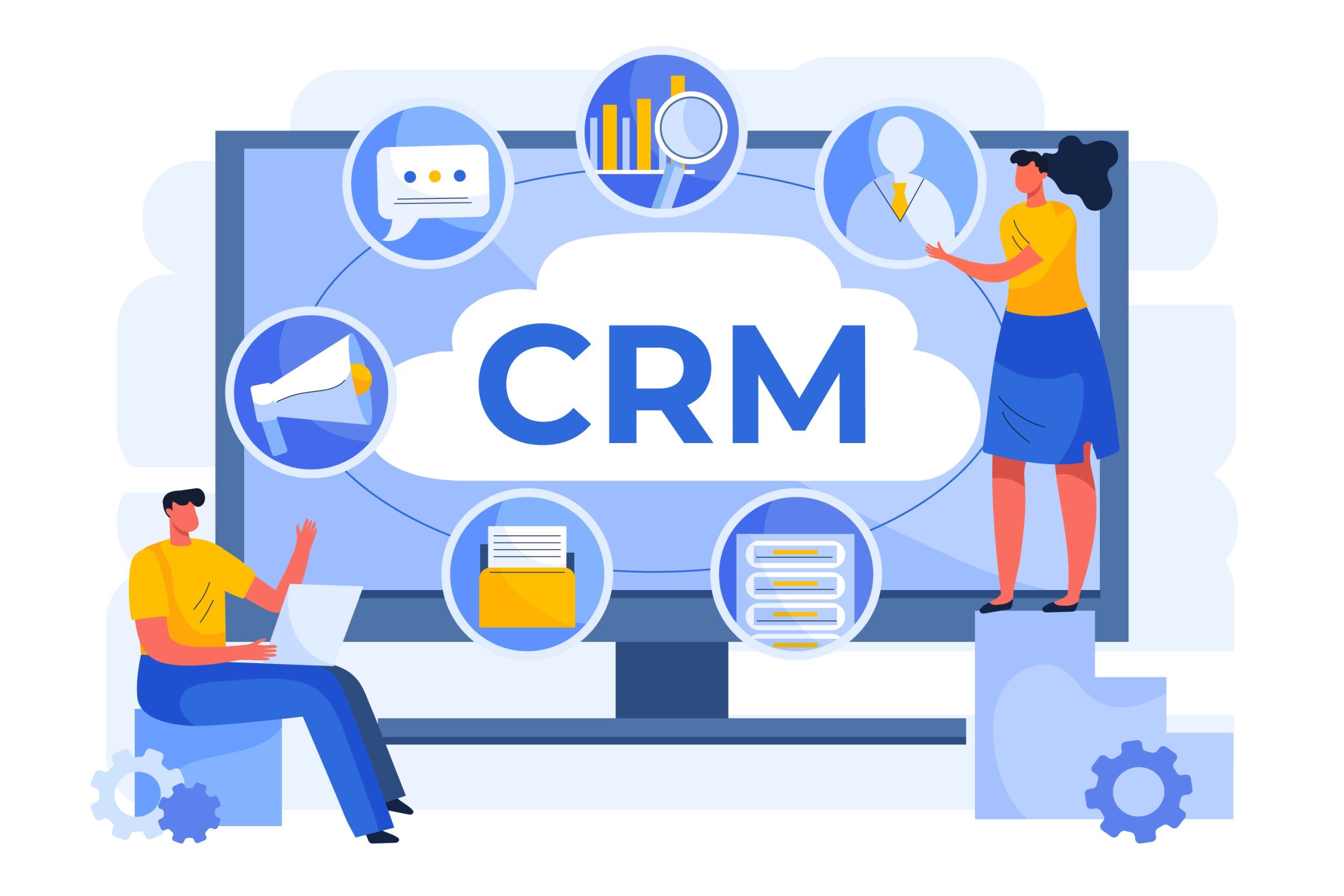
CRM is more than a tool. It represents the foundation of organized customer data management and systematic communication. Businesses using CRM solutions can track every interaction from lead acquisition to final sale and beyond. Without a CRM, customer data remains scattered across individual emails, spreadsheets, messaging apps and documents. This makes follow up inconsistent and unreliable.
CRM centralizes all information in one place. It gives every team member an instant overview of customer history, behavior, interests and past interactions. This ensures that customers never feel ignored or forgotten. When implemented carefully, CRM systems help businesses deliver quick responses, maintain professionalism and build predictable workflows.
Modern businesses also rely on CRM for strategic decision making. Reports, data insights and tracking patterns help teams forecast growth, identify obstacles and optimize sales funnels. CRM is no longer an optional luxury. It is a crucial business investment that impacts long term success.
Selecting the Right CRM for Your Business Needs
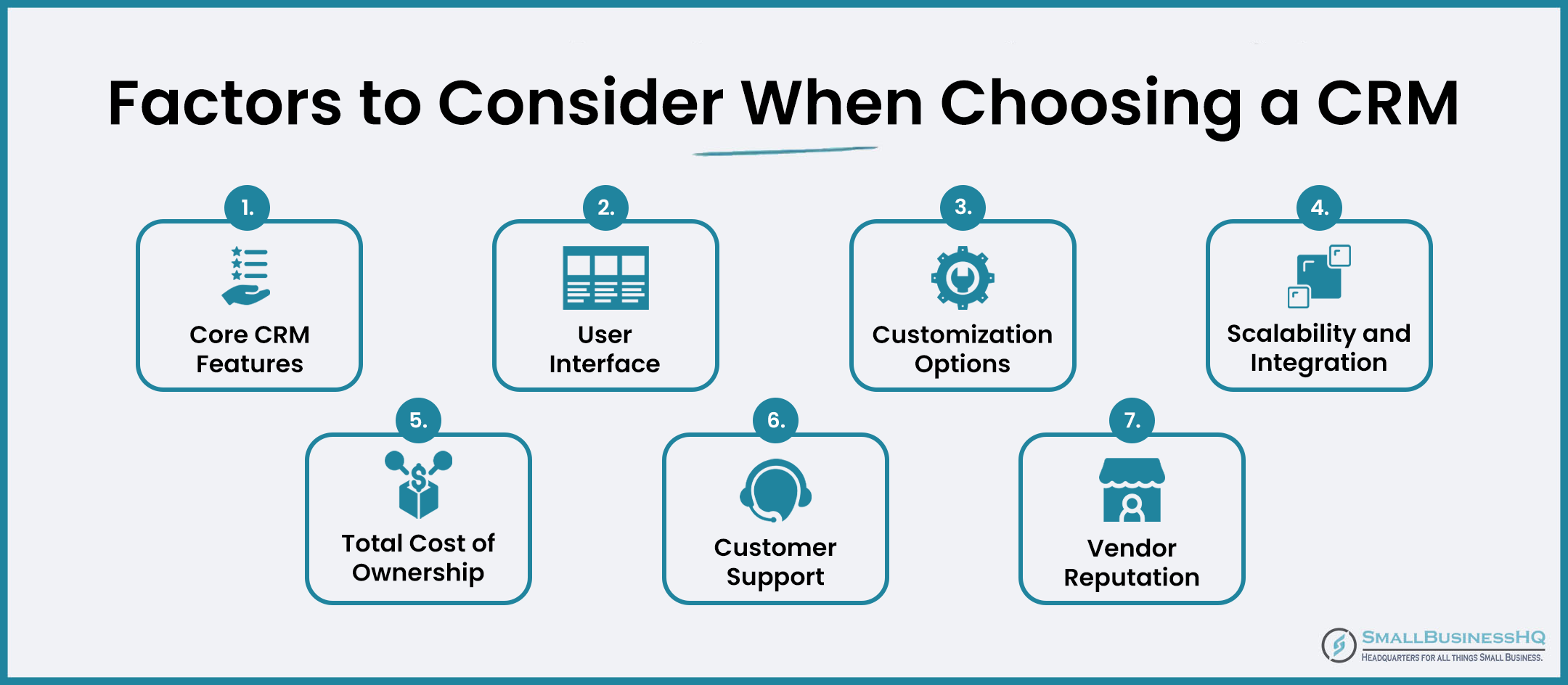
Choosing a CRM requires a clear understanding of your business goals, team size, workflow style and customer interaction patterns. Every industry has unique needs. Retail, healthcare, education, consulting, logistics and ecommerce operate differently and each requires a CRM tailored to its unique environment.
Before selecting a CRM, evaluate its core functions such as lead capturing tools, contact management, communication tracking, task creation, workflow support, reporting capabilities and automation features. A good CRM must offer flexibility, scalability and ease of integration with existing systems.
Cloud based CRMs are preferred for international businesses because they allow access from anywhere. Successful CRM platforms include HubSpot, Zoho, Salesforce, Freshsales, Pipedrive and Bitrix24. Each one caters to different business environments and budget ranges.
Structuring Data and Creating Customer Profiles
Data structuring forms the backbone of accurate CRM functionality. When information is entered inconsistently, the system becomes unreliable. Proper organization ensures that clients are filtered easily, segmented correctly and approached with personalized communications.
Begin by identifying the information your business needs about each customer. This may include basic contact data, company information, conversation history, preferences, service requirements and previous purchase details. Segment customers into appropriate categories to support targeted marketing and service personalization.
A strong CRM profile should paint a complete picture of a client’s relationship with your business. Maintaining accurate customer data increases efficiency and improves decision making significantly.
Automation Setup and Business Process Optimization
Automation transforms workflow efficiency. Repetitive tasks such as sending follow up messages, allocating leads, assigning tasks, creating reminders and updating pipeline stages no longer require manual involvement. Automation ensures speed, consistency and accuracy.
Start by identifying tasks your team performs daily. Examples include onboarding emails, payment reminders, appointment confirmations or lead qualification steps. These tasks can be automated to save time and reduce human error.
Advanced automation workflows can score leads, move deals across stages, notify team members instantly and trigger marketing actions. Automation dramatically improves response time and enhances customer satisfaction while enabling teams to focus on high value work.
.jpg)
Integrating CRM with Third Party Tools
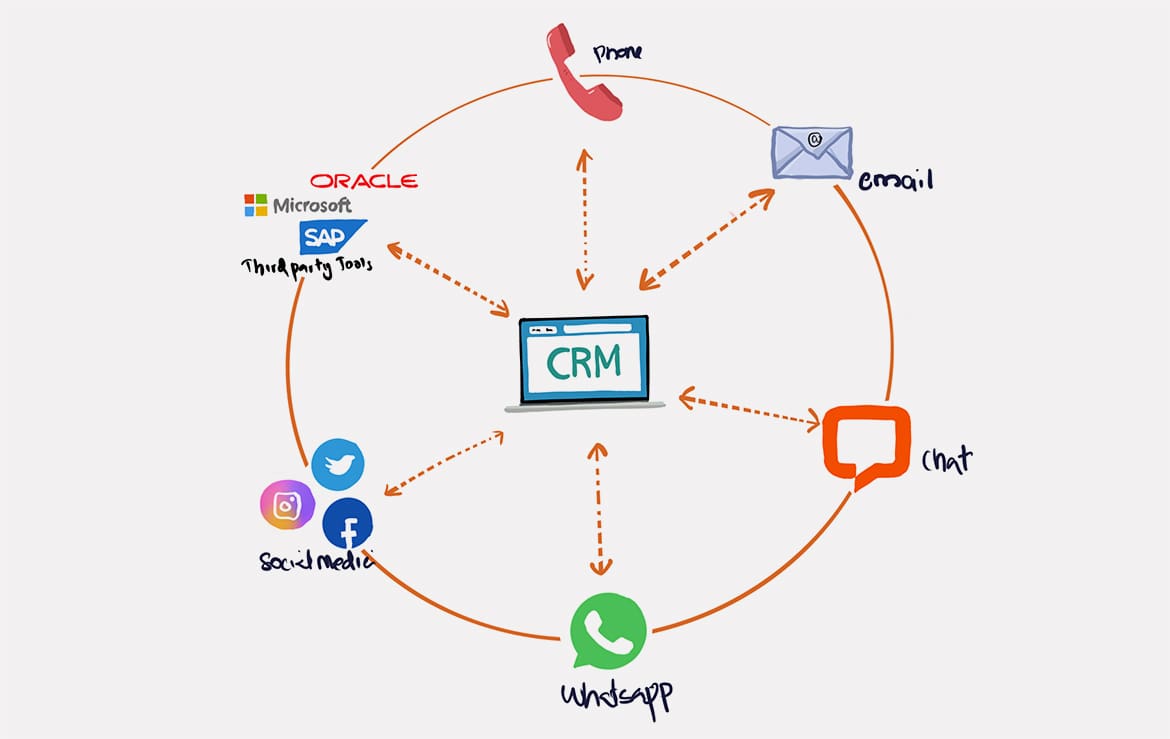
CRM integration improves functionality and streamlines operations across business departments. Email, calendars, payment gateways, marketing tools, social media platforms and customer support systems must all connect with the CRM. This integration eliminates the need to switch between multiple platforms.
For example, integrating your CRM with WhatsApp or email allows automatic tracking of conversations. Connecting it with payment systems enables faster invoice handling. Integration with marketing tools helps streamline customer journeys across campaigns.
The objective of integration is to ensure that your CRM becomes the central hub of your business rather than an isolated tool. Better integrations lead to more powerful insights and consistent communication.
Building Automation Driven Workflows
A workflow automates the sequence of tasks performed once a specific trigger occurs. Workflows eliminate delays and ensure every customer receives timely communication. Mapping workflows helps teams visualize customer journeys and build smoother engagement processes.
Use automation for onboarding, abandoned cart reminders, follow up sequences, lead qualification and service delivery notifications. Also automate deal stage transitions, internal notifications and data updates. Automation reduces operational load significantly.
Every workflow should reflect business goals and customer expectations. Aligning internal tasks with automated sequences helps businesses operate with precision and agility.
Key CRM Automation Features
Lead Scoring
Automation can score leads based on user actions, giving teams clarity on priority prospects.
Smart Follow Ups
Automated reminders, emails and alerts ensure no lead is forgotten or ignored at any stage.
Pipeline Automation
Deals automatically move between stages based on triggers and customer interactions.
Training Teams to Use CRM Effectively
A CRM is only effective when the entire team understands how to use it. Training ensures that sales, marketing, support and operations teams adopt consistent practices. Offer sessions on data entry standards, follow up guidelines, pipeline rules and automation triggers.
Encourage team members to track all interactions inside the CRM instead of external tools. This supports transparency and strengthens collaboration. Provide clear instructions for updating, categorizing and tagging customer information.
Measuring CRM Success and Continuous Optimization
Regular analysis of CRM reports helps identify performance gaps. Review lead conversion rates, follow-up efficiency, email engagement, sales cycle length and customer history tracking accuracy.
Continuous improvement ensures your CRM evolves with the business. Update workflow rules, improve segmentation, enhance automation strategies and add new features as required.